


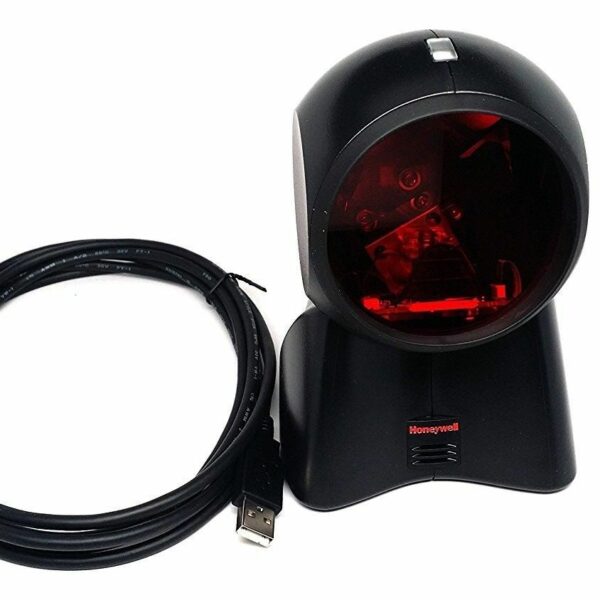
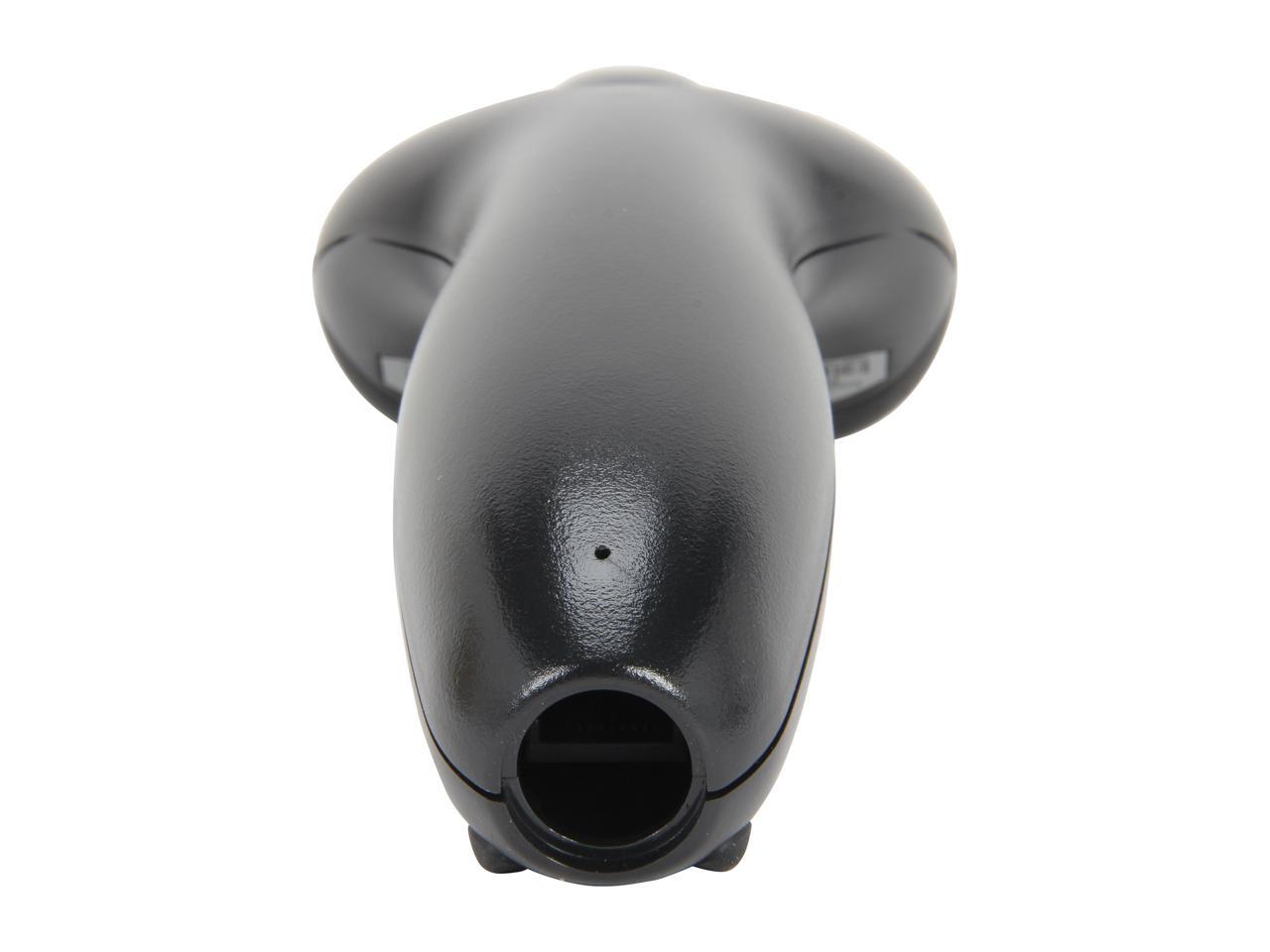
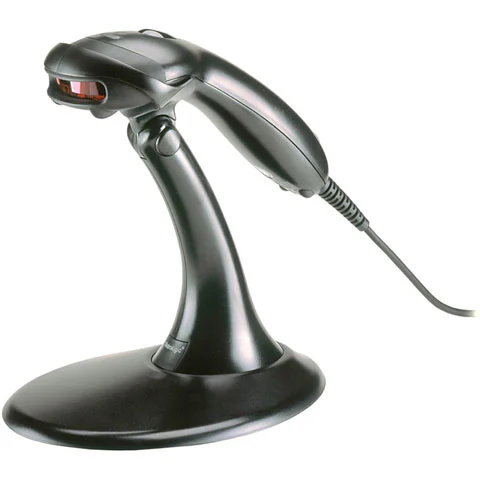

Product Overview
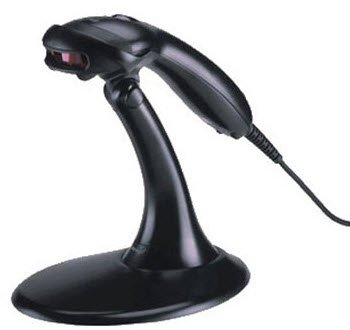
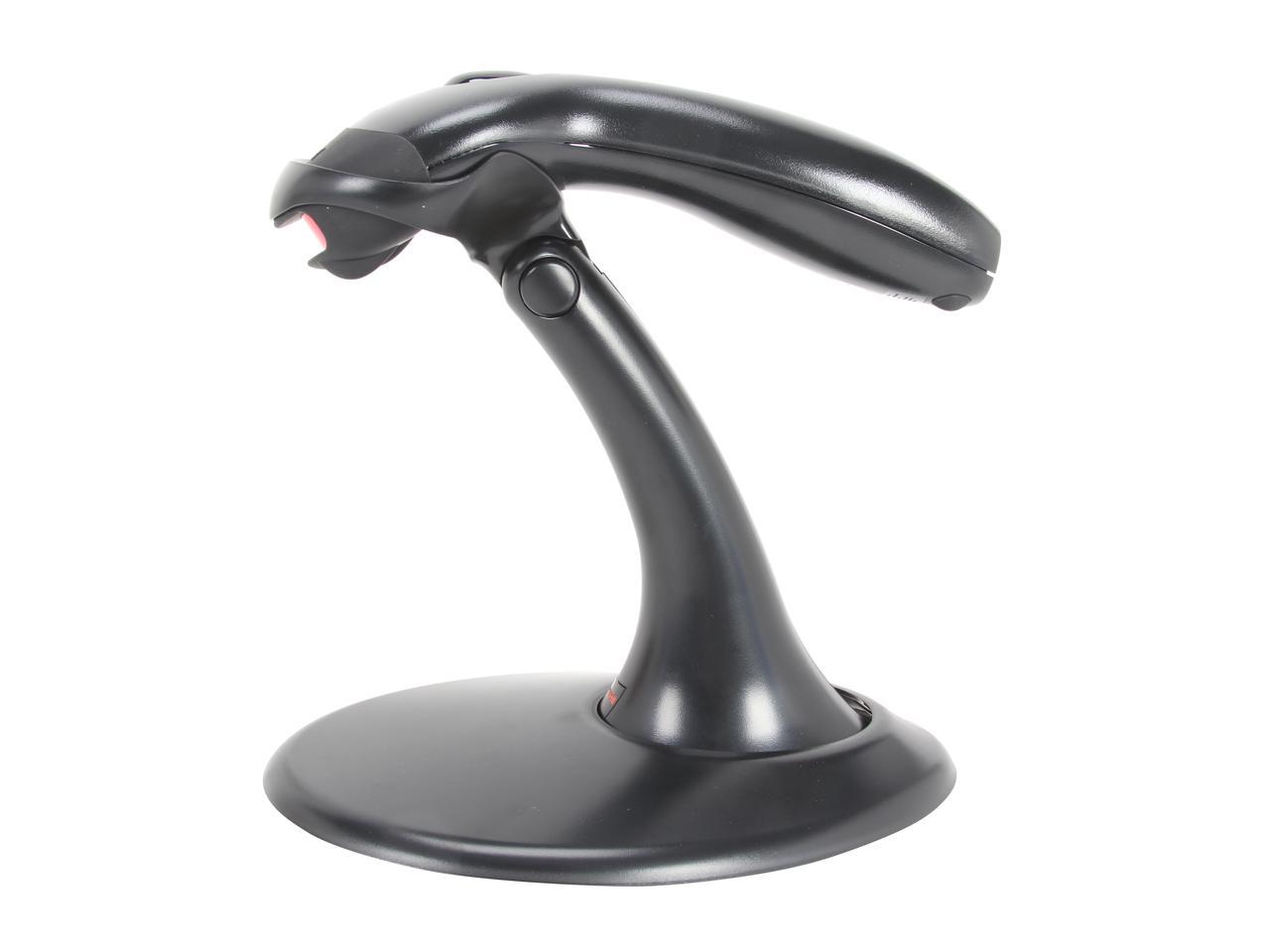
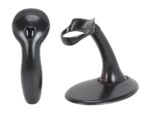
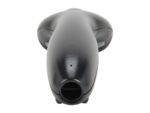
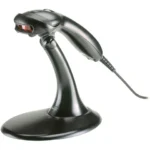
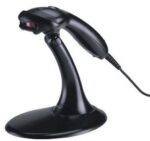
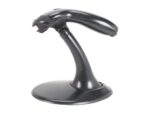
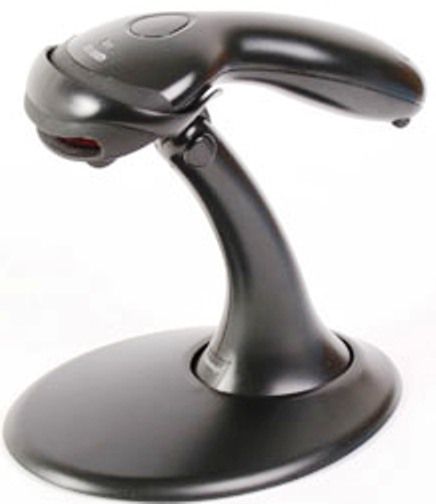
The Honeywell MK9540-32A38 is a 1D barcode scanning capability designed for everyday POS use. It reads printed barcodes on products and labels at the checkout counter and in stock rooms.
Technical Specifications
| Brand: | Honeywell |
| Model: | MK9540-32A38 |
| Product Type: | barcode scanner |
| Scan Technology: | Contact us for detailed specifications. |
| Barcode Types: | Contact us for detailed specifications. |
| Scan Rate: | Contact us for detailed specifications. |
| Scan Range: | Contact us for detailed specifications. |
| Interface: | Contact us for detailed specifications. |
| Drop Resistance: | Contact us for detailed specifications. |
| IP Rating: | Contact us for detailed specifications. |
Key Features & Benefits
Why Choose This Product?
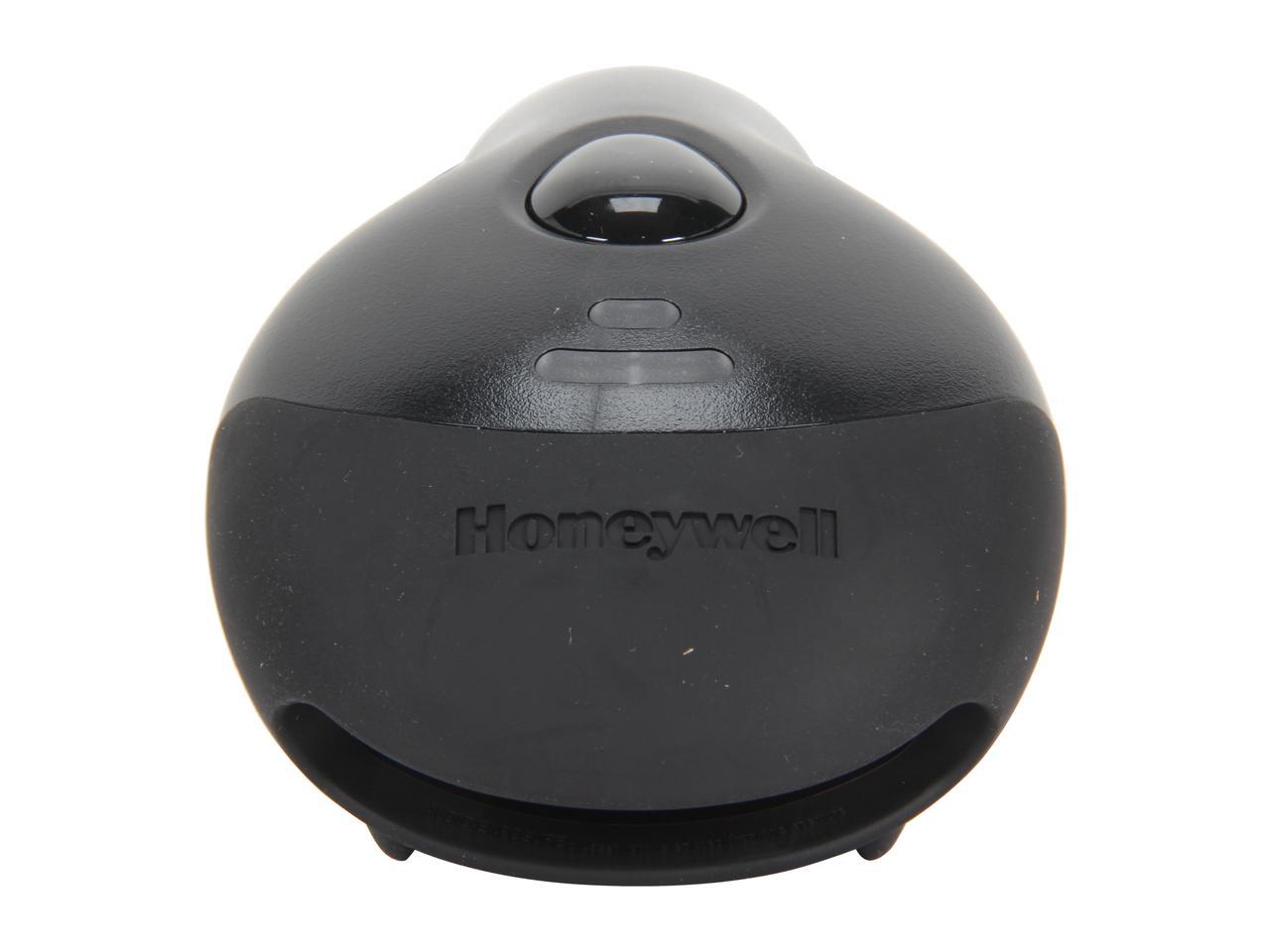
It helps operators scan barcodes at the till without manual entry, reducing errors and keeping queues moving even at busy times.
Perfect For:
- ✅ Retail checkout counters needing dependable barcode capture for products and loyalty cards.
- ✅ Inventory counting and stock control in small warehouses and stores.
- ✅ Healthcare and pharmacy counters that scan item labels and barcodes.
- ✅ Office reception desks that need fast scanning of documents or ID barcodes.
Standout Specifications:
- ✅ Scanning Performance: Designed for repeated barcode scans at the point of sale.
- ✅ Scan Technology: Captures printed 1D barcodes used on products and labels.
- ✅ Working Range: Supports close‑range scanning on standard retail barcodes.
- ✅ Protection: Built for daily POS use with protection against typical drops.
- ✅ Interfaces: Standard POS host connection such as USB or keyboard wedge.
Looking for more POS equipment? Browse our complete POS equipment collection including barcode scanners, receipt printers, and cash drawers at Al-Lewaa.
Setup & Installation
How to Get Started
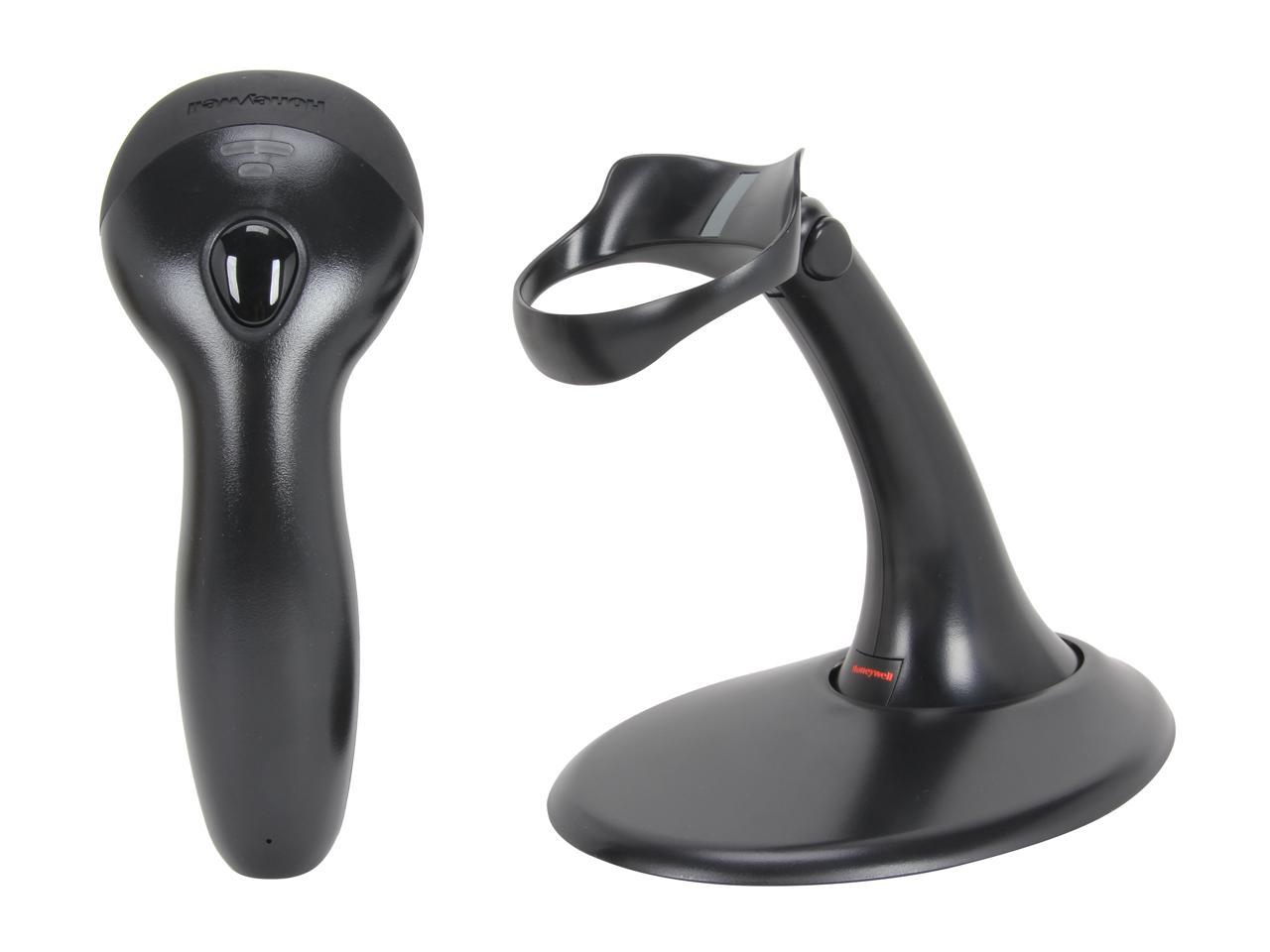
- Connect the scanner cable to a USB port or the host interface on your POS system.
- Allow the operating system to detect the scanner as an input device.
- Open your POS or inventory software and place the cursor in the barcode field.
- Scan a test barcode from product packaging or a test sheet to confirm operation.
Compatibility & Integration
Operating Systems: Typical POS installations based on Windows operating systems and other platforms supported by the device driver.
POS Software: Works with common POS applications that support standard POS printers or scanners.
Connection: Uses the documented USB, network or serial connection type of the specific model.
Frequently Asked Questions
What barcode types can this scanner read?
A: It reads standard retail 1D barcodes, and 2D codes if supported by the specific model.
What is the typical scanning range?
A: The effective range covers close‑range reading on product labels, with exact distance depending on the code size and model.
Does it work with my existing POS software?
A: In most cases the scanner works as a keyboard input or through a supported interface in the POS software.
Is it suitable for continuous daily use?
A: Yes, it is intended for use at retail counters and similar environments during normal trading hours.
Why Buy from Al-Lewaa?
- ✅ POS Specialists: Focused on equipment for shops, supermarkets and hospitality businesses in Egypt.
- ✅ Clear Descriptions: Each product is listed with practical POS‑oriented information.
- ✅ Support: Assistance is available to help you match devices to your POS system.
- ✅ Delivery: Shipping options across Egypt for businesses of different sizes.
Reviews
Clear filtersThere are no reviews yet.