


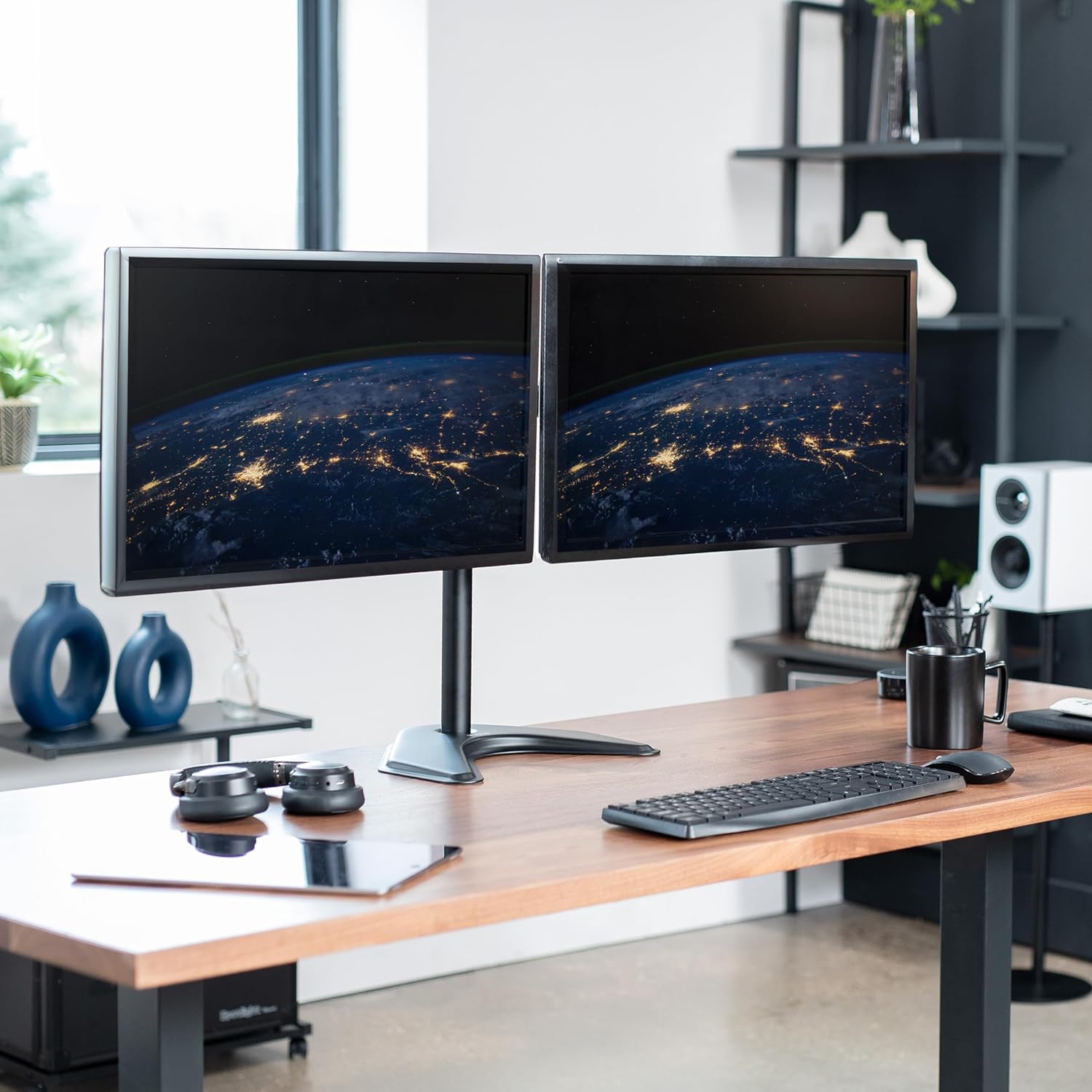
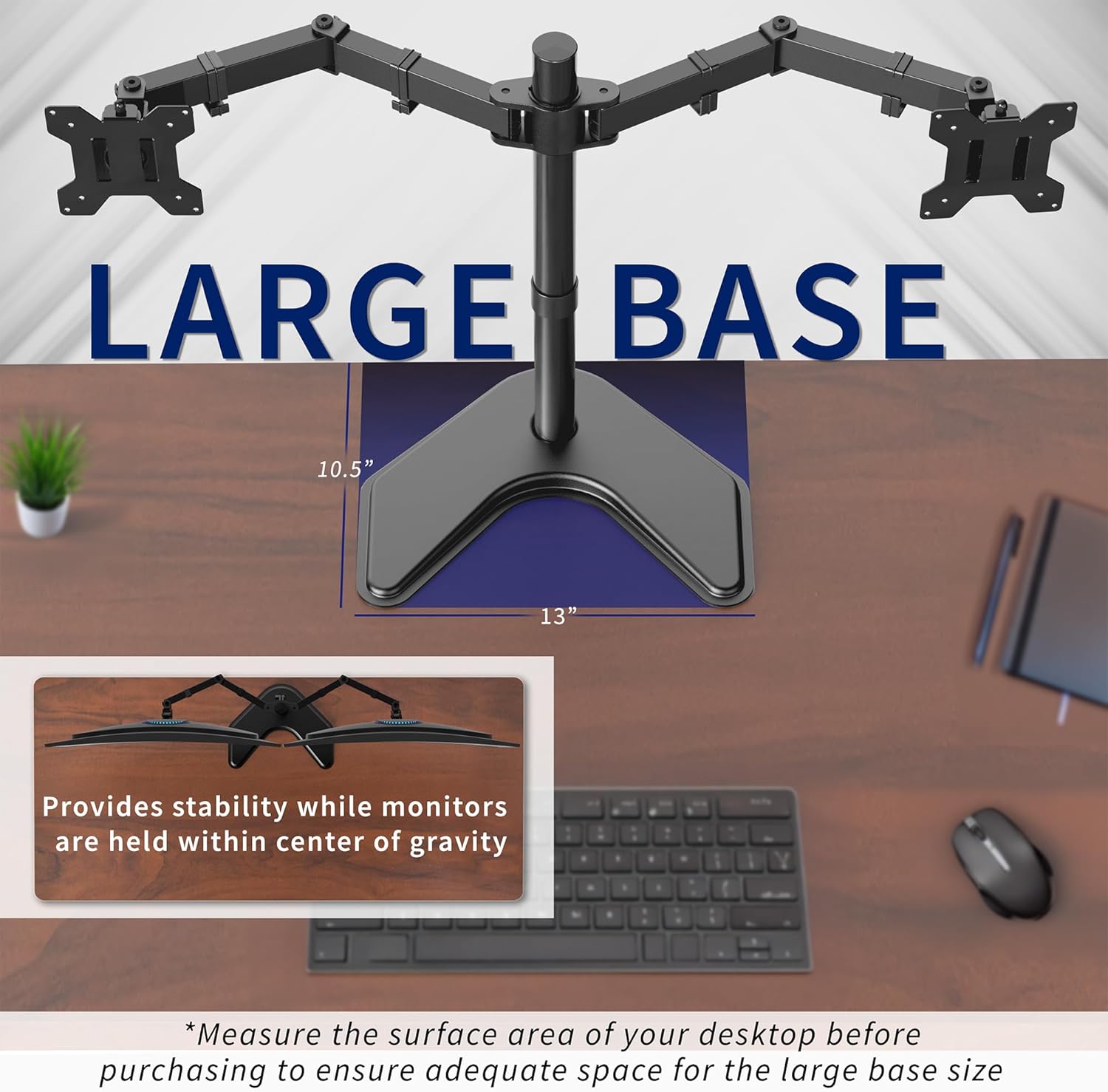
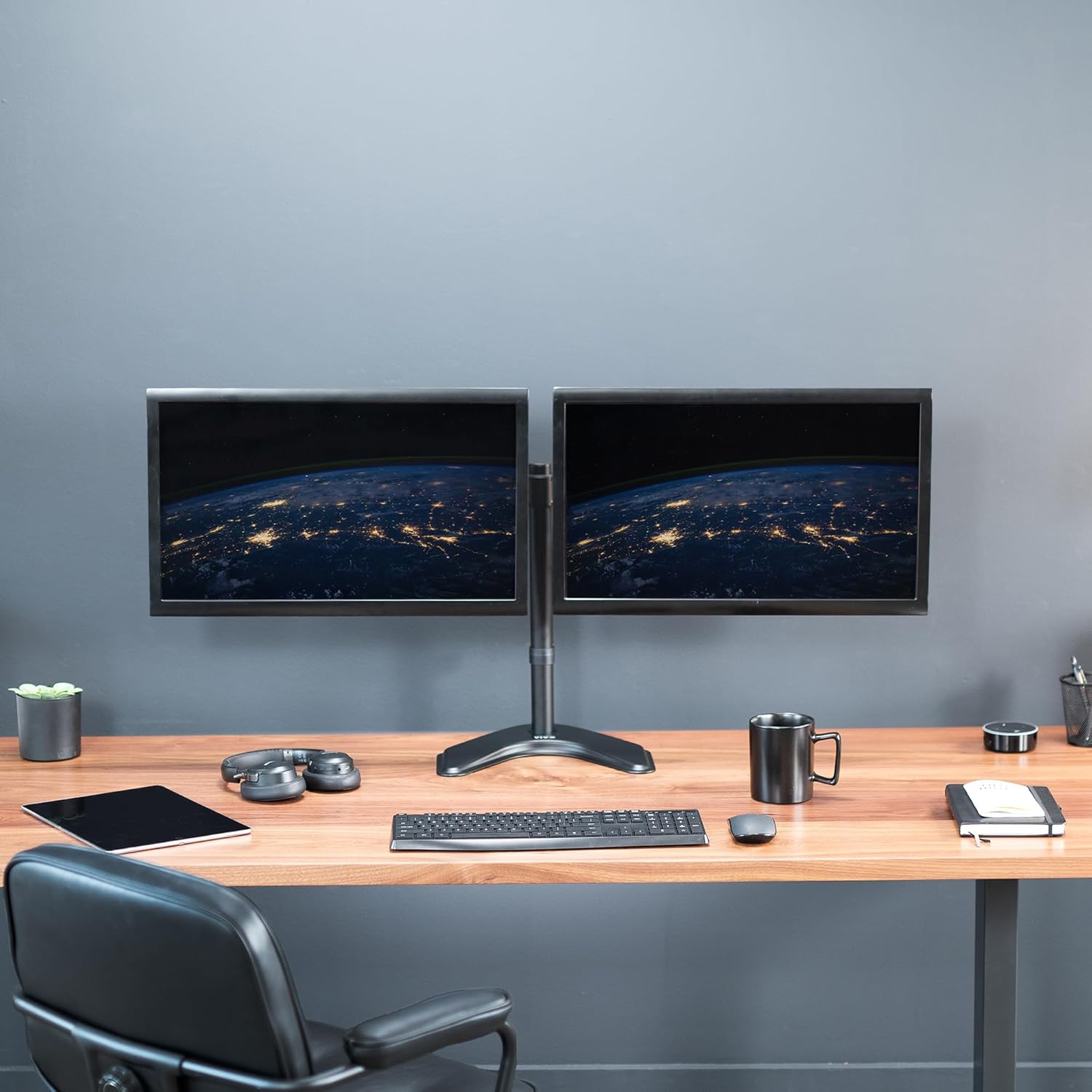
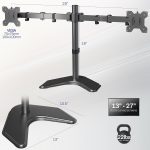
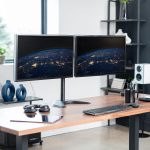
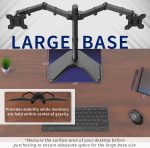
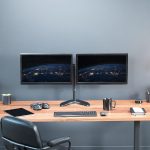

Product Overview
Explore our complete specialised accessory collection for more options in the same category.
Technical Specifications
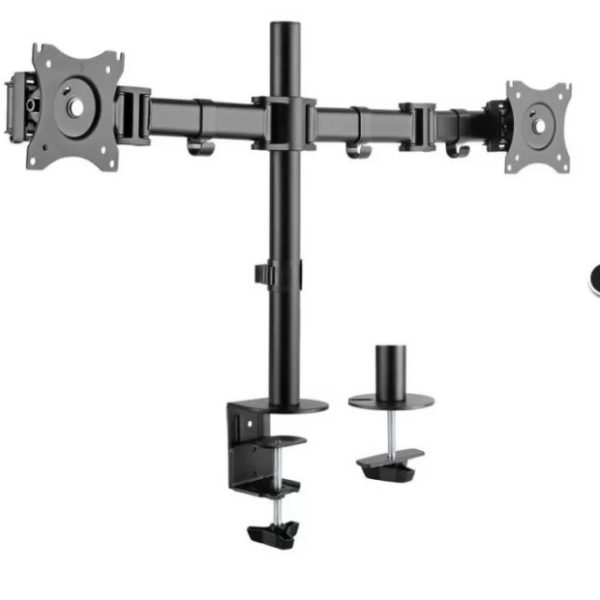
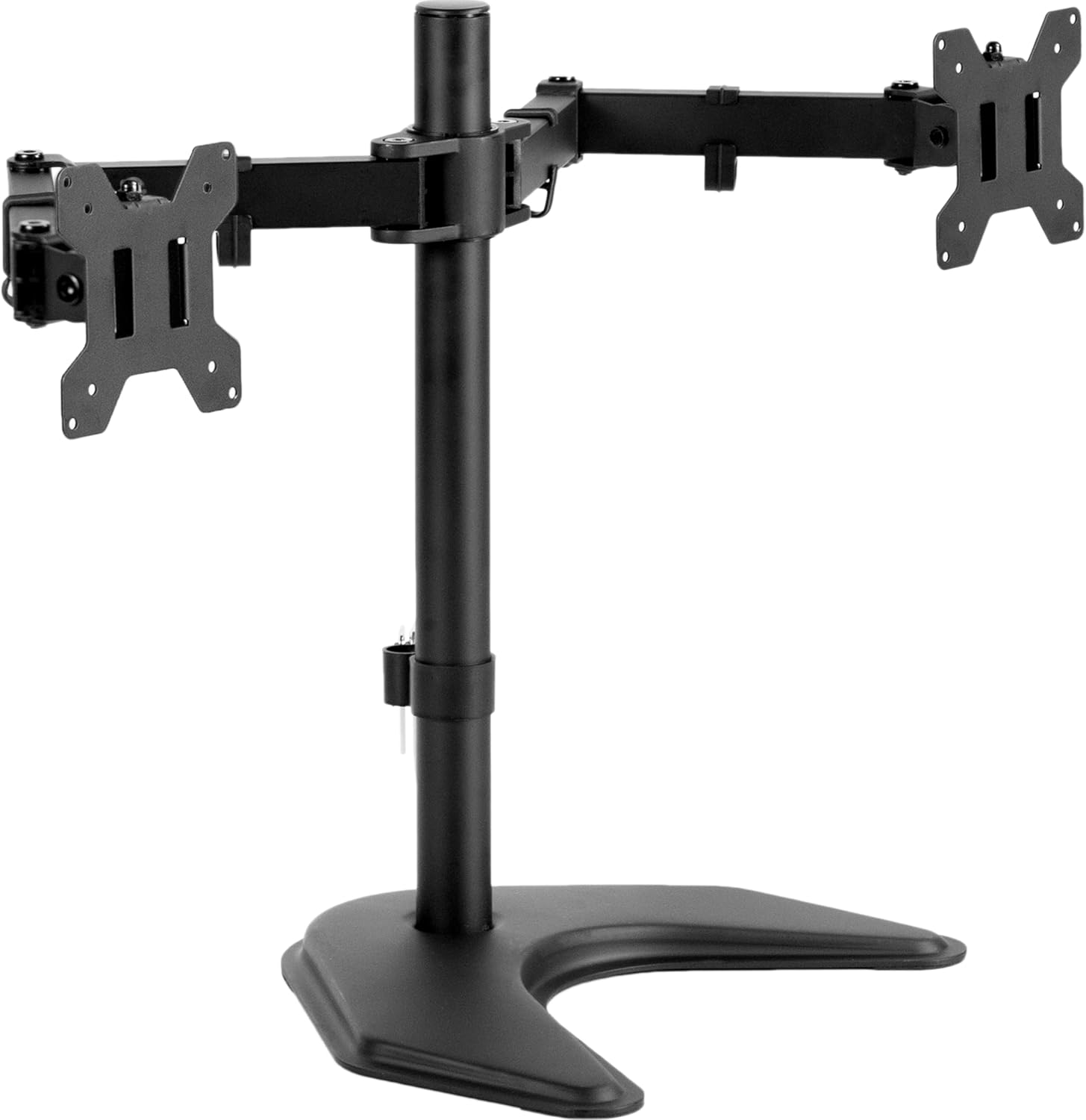
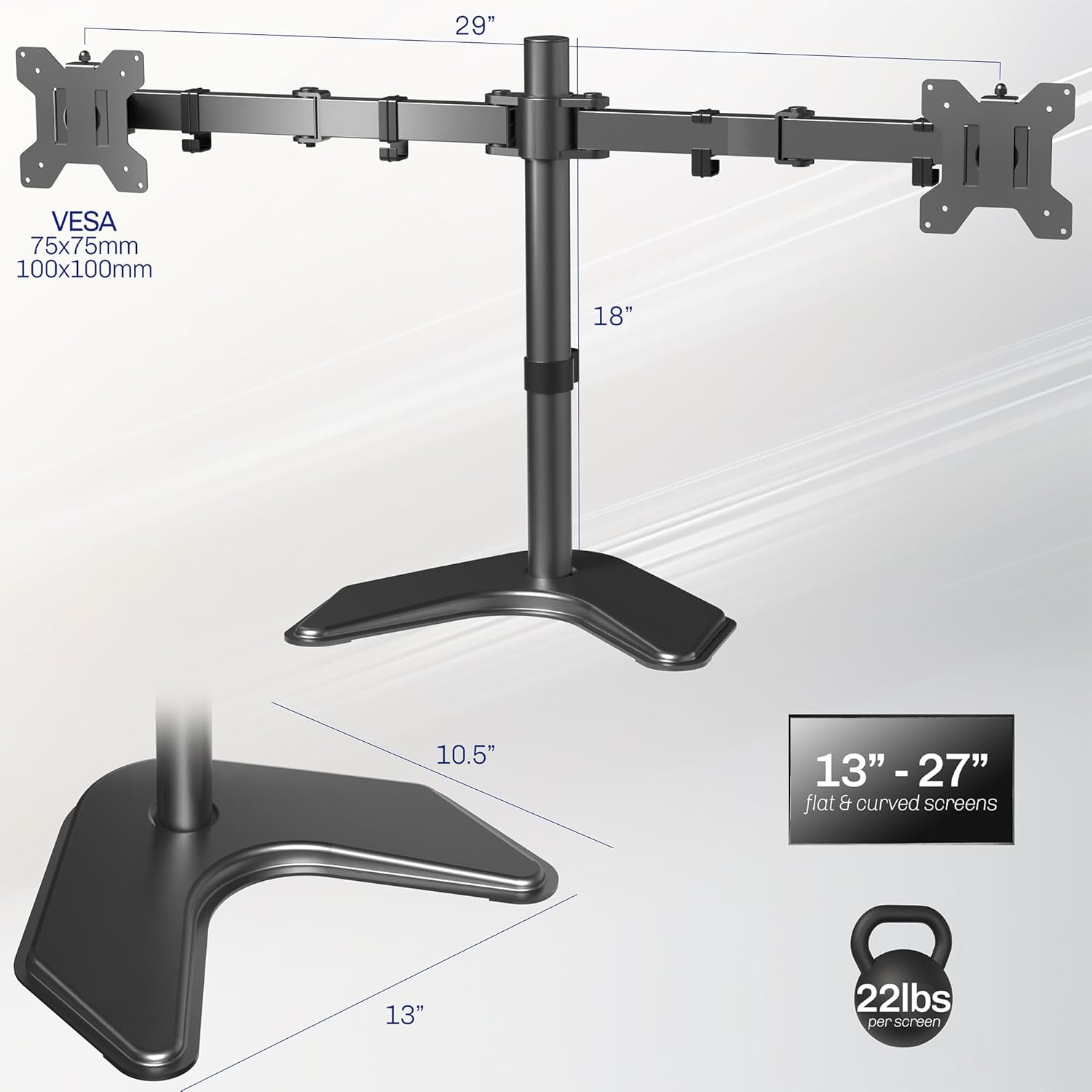
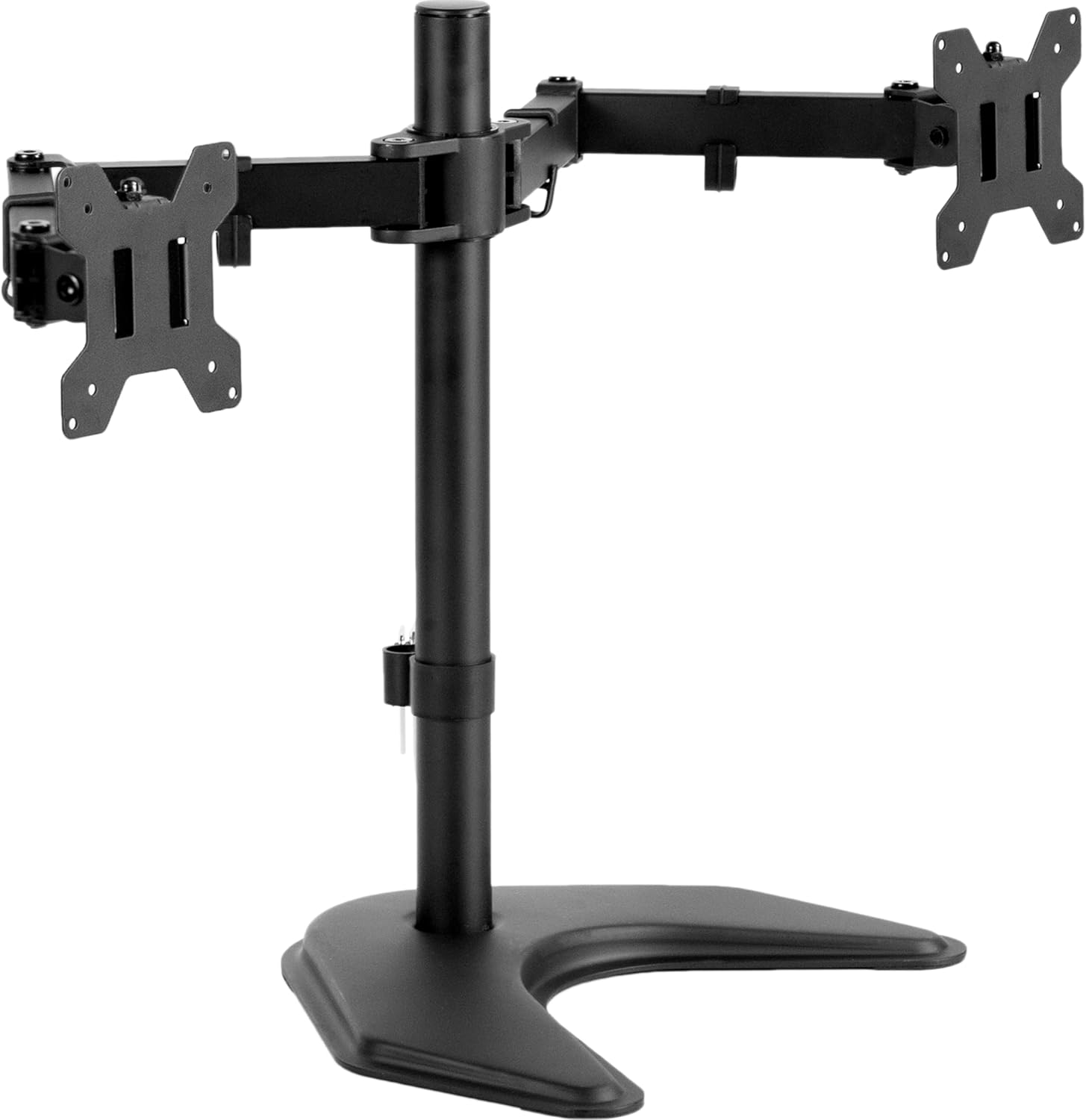
| Product Type: | STAND |
| Brand: | NB NORTH BAYOU |
| Model: | NB T022 |
| Condition: | New |
| Connection / Interface: | Designed to connect using common ports used on modern computers. |
| Usage: | Suitable for daily home, office or light professional work. |
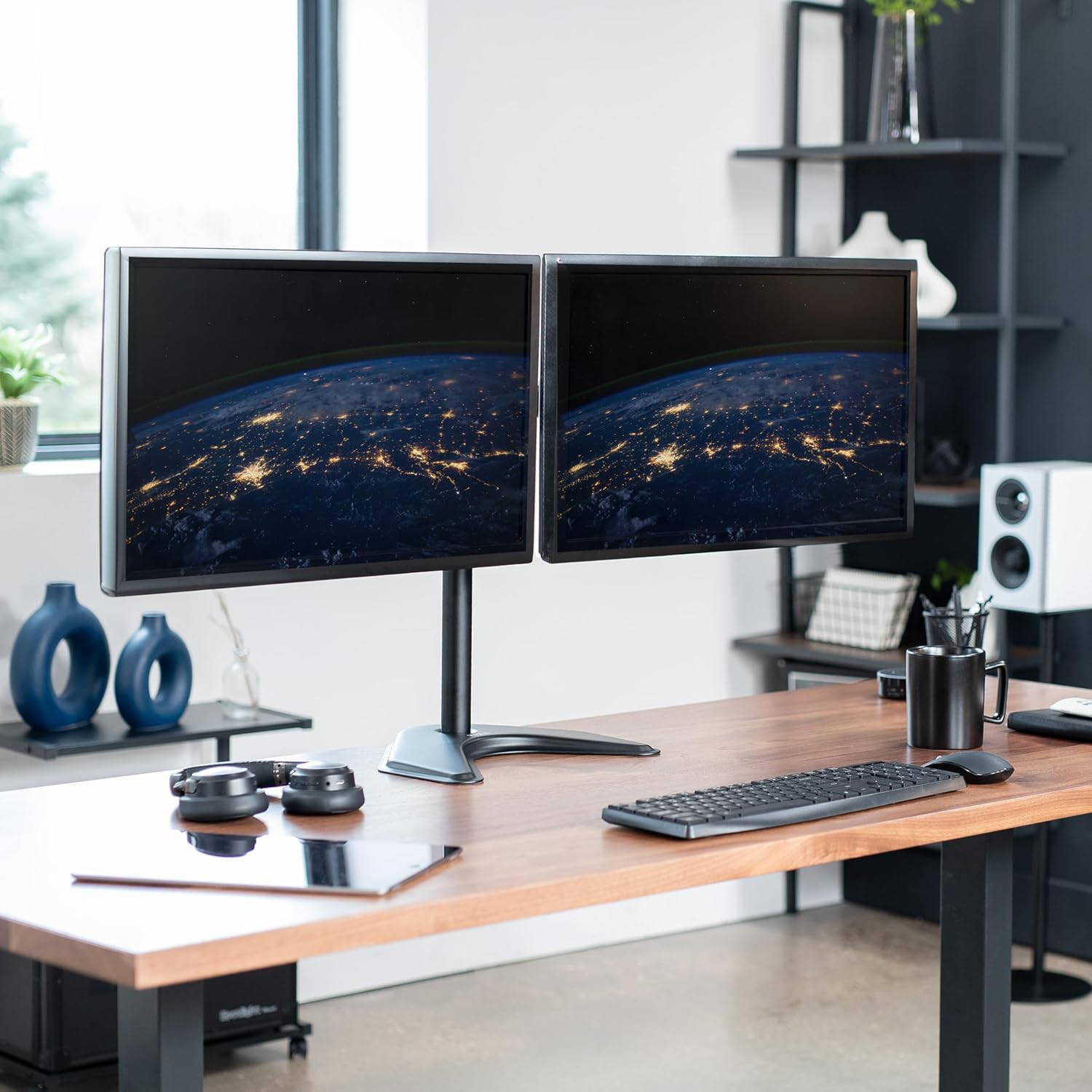
| Compatibility: | Monitor STAND |
| Target Users: | Home users, students, professionals and technicians. |
| Environment: | Designed for indoor use in standard office or home conditions. |
Key Features & Benefits
Why Choose This Accessory?
This accessory is aimed at users who want reliable performance with simple operation. It fits naturally into typical computer setups or business workflows.
- ✅ Consistent performance: Built to deliver stable behaviour during everyday tasks and workloads.
- ✅ Easy integration: Works with common systems and setups used in homes and offices.
- ✅ Practical design: Focuses on useful features that support real daily work rather than extras.
- ✅ Long term use: Made from materials chosen for repeated, ongoing operation when used correctly.
- ✅ Quality checked: Produced in line with typical reliability and safety expectations for this product type.
Compatible & Works With
✅ Compatible with: Supported devices and systems that match the connection and usage requirements of this accessory.
✅ Ideal for: Users who need dependable equipment for daily work, study or service tasks.
Works smoothly alongside our related products and complementary categories for a complete setup.
Complete Your Setup
Enhance your experience with complementary products from our store:
- Browse our matching accessories and components that work well with this item.
- Check out our additional related category to build a full, balanced system.
Need a wider view of available options? Visit our main accessories collection for more ideas.
Setup & Usage Guide
How to Use
- Unpack the product carefully and remove any protective films or packaging material.
- Connect or install the accessory following the usual guidelines for your device or system.
- Allow your computer or equipment to recognise and prepare the product if required.
- Test it with your regular applications or workflow to confirm that everything works as expected.
⚠️ Note: Always follow general safety and handling advice for electronic products and avoid exposure to liquids, extreme heat or physical impact.
Frequently Asked Questions (FAQ)
Q: Is this product compatible with my existing setup?
A: If your devices support the required connection and usage, it should integrate smoothly into most systems.
Q: Do I need any special software or drivers?
A: Some products are plug and play, while others may require drivers depending on the operating system.
Q: Is this product suitable for daily use?
A: It is designed for regular use in typical home or office environments when handled correctly.
Q: Can this item be used in a professional setting?
A: Yes, many technicians and small businesses use similar equipment in their daily work.
Q: How should I care for this item over time?
A: Keep it clean, avoid physical damage and store it safely when not in use.
Quality & Certifications
- ✅NB quality standards or equivalent manufacturing processes.
- ✅ Tested for reliable performance in normal everyday usage conditions.
- ✅ Designed to integrate with typical systems and workflows for this product type.
- ✅ Built for long

Reviews
Clear filtersThere are no reviews yet.