






Product Overview
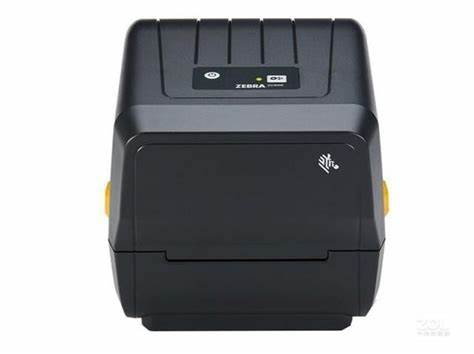
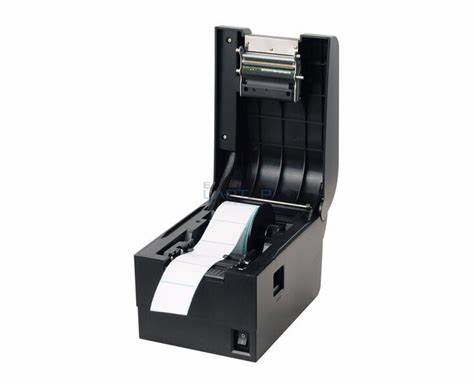
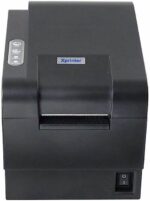
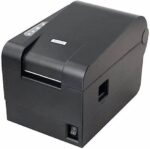
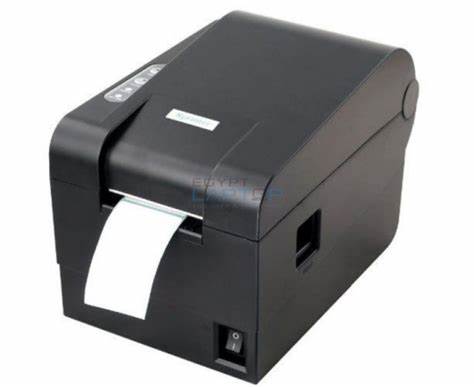
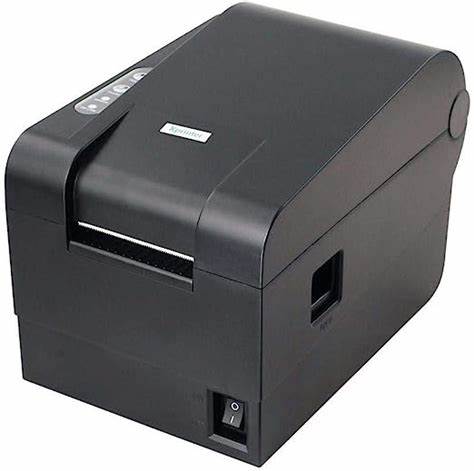
The Xprinter XP-235B is a desktop barcode label printer made for point of sale environments. It offers 127 mm/second so cashiers and staff can produce tickets, receipts or labels efficiently.

Technical Specifications
| Brand: | Xprinter |
| Model: | XP-235B |
| Product Type: | barcode printer |
| Print Technology: | direct thermal |
| Paper / Label Width: | 58 mm |
| Print Speed: | 127 mm/second |
| Resolution: | 203 dpi |
| Interface: | USB or other POS interfaces depending on configuration. |
| Command / Driver Support: | ESC/POS or label printer drivers depending on model. |
Key Features & Benefits
Why Choose This Product?
It supports continuous operation during busy hours, so customers can receive receipts or labels quickly after each transaction.
Perfect For:
- ✅ Supermarkets and grocery stores printing receipts throughout the day.
- ✅ Restaurants, cafes and fast‑food outlets printing customer bills.
- ✅ Retail shops printing return receipts, coupons or barcode labels.
- ✅ Back‑office or warehouse desks printing labels for stock shelves and cartons.
Standout Specifications:
- ✅ Print Technology: direct thermal
- ✅ Media Width: 58 mm
- ✅ Print Speed: 127 mm/second
- ✅ Resolution: 203 dpi
- ✅ Integration: Works with typical POS software through supported printer drivers.
Looking for more POS equipment? Browse our complete POS equipment collection including barcode scanners, receipt printers, and cash drawers at Al-Lewaa.
Setup & Installation
How to Get Started
- Connect the printer to power and to your POS terminal or computer using the supported interface.
- Install the printer driver recommended for the operating system used at your POS.
- Load the correct width of receipt or label media into the printer, following the media path marks.
- Print a test receipt or label from your POS software to make sure alignment and printing are correct.
Compatibility & Integration
Operating Systems: Typical POS installations based on Windows operating systems and other platforms supported by the device driver.
POS Software: Works with common POS applications that support standard POS printers or scanners.
Connection: Uses the documented USB, network or serial connection type of the specific model.
Frequently Asked Questions
What media width does this printer support?
A: It is designed for the media width indicated in the specifications of the specific model.
Does it have an auto‑cutter?
A: Cutter availability depends on the exact model variant and should be checked in the detailed specification.
What print speed can I expect in daily use?
A: The printer is built for typical POS receipt or label speeds so that customers receive documents quickly.
Which POS systems does it support?
A: It works with POS software that supports the printer driver or ESC/POS‑compatible printers.
Why Buy from Al-Lewaa?
- ✅ POS Specialists: Focused on equipment for shops, supermarkets and hospitality businesses in Egypt.
- ✅ Clear Descriptions: Each product is listed with practical POS‑oriented information.
- ✅ Support: Assistance is available to help you match devices to your POS system.
- ✅ Delivery: Shipping options across Egypt for businesses of different sizes.

Reviews
Clear filtersThere are no reviews yet.